Data loss is a nightmare that almost every digital citizen faces at some point. Whether it is an accidental shift-delete, an unexpected drive formatting, a system crash, or a malware attack, losing critical documents, family photos, or irreplaceable videos can be devastating.
Fortunately, professional data recovery solutions have evolved drastically. Today, we are reviewing one of the heavyweights in the industry: EaseUS Data Recovery Wizard, specifically focusing on its highly valued Lifetime Subscription.
Key Metrics at a Glance
- Success Recovery Rate: Up to 99.7%
- Supported Formats: 1,000+ File Types
- Device Profiles: 2,000+ Recoverable Hardware Types
What is EaseUS Data Recovery Wizard?
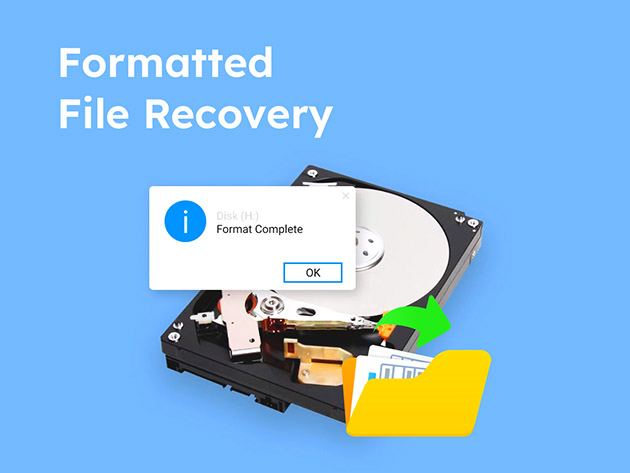
EaseUS Data Recovery Wizard is an all-in-one data recovery utility engineered to retrieve lost, deleted, or formatted files from an extensive array of digital storage media. Trusted globally, it stands out due to its optimized scanning algorithms and high recovery success rate. Investing in the Lifetime Subscription eliminates the anxiety of recurring monthly or annual license fees, providing peace of mind that you own a permanent toolkit for any future data loss emergencies.
Advanced Features That Set It Apart
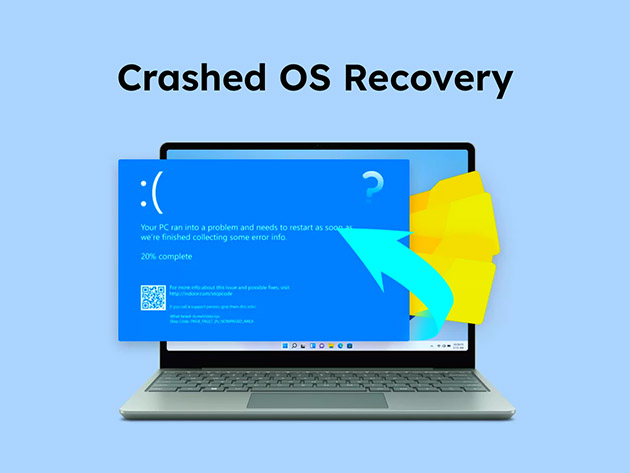
While many basic recovery tools merely scrape the surface of a drive, EaseUS packs premium capabilities designed for complex digital reconstruction:
- Enhanced Video Recovery & File Repair: Deeply integrated into the scan engine is a specialized tool that automatically scans for, matches, and reconstructs fragmented video files. Furthermore, it fixes corrupted MP4/MOV videos and damaged JPEG/JPG images during the recovery process, handing you back fully functional files rather than broken fragments.
- NAS Recovery: Network Attached Storage (NAS) configurations can be notoriously difficult to recover from. EaseUS bypasses the need to pull out disks or rebuild RAID configurations, allowing direct, seamless recovery of NAS content.
- Recover While Scanning: You do not need to sit and wait hours for a multi-terabyte drive to finish its deep scan. As soon as your targeted files appear on the screen, you can check them and click restore immediately.
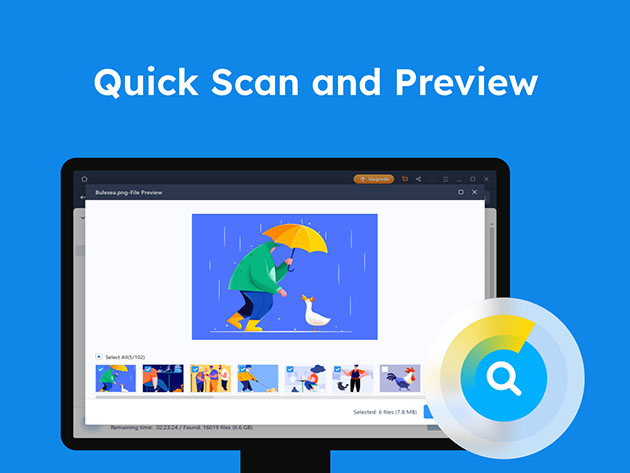
- Smart File Filters & Previews: Locate what you need in seconds. Filter the dynamic results by file type, removal date, or name, and preview files prior to restoration to ensure you are recovering exactly what you need.
- Manual Recovery Service: For incredibly severe cases of physical damage or completely unreadable volumes, your purchase grants access to a one-on-one expert technical consultation. They diagnose recovery probabilities quickly, and if they cannot retrieve the data, there is absolutely no charge.
Recover Lost Data in 3 Easy Steps
EaseUS has built its reputation on making professional-grade tools accessible to everyday users. The entire layout operates on a beautifully straightforward workflow:
- Scan for Lost Data: Launch the software, specify the precise location (partition, drive, or folder) where you lost your files, and click scan.
- Preview Lost Data: Use the filter and path trees to sort through findings. Double-click any file to preview it and verify its condition before extracting.
- Recover Lost Data: Select the exact files you wish to restore, click “Recover”, and securely store the recovered data on a completely new drive.
Unrivaled Hardware & File Format Support
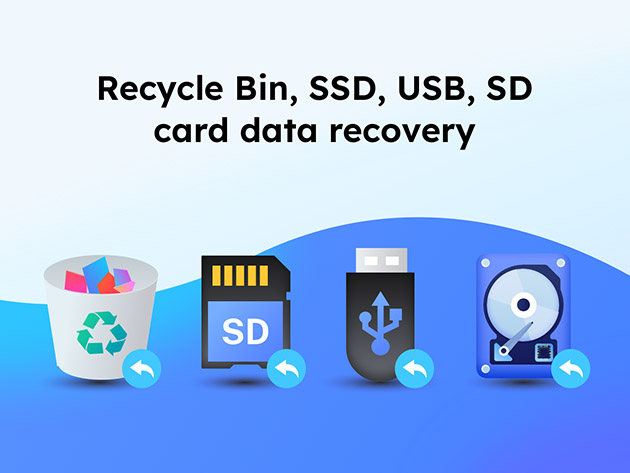
Whether you are dealing with vintage hardware or modern high-speed storage arrays, EaseUS boasts compatibility with over 2,000 device types, including internal hard disks, SSDs, external hard drives, USB flash drives, memory cards, and digital DSLRs.
Comprehensive File Type Ecosystem (1,000+ Formats)
The system easily recognizes and restores almost any file footprint, categorized beneath key extensions:
- Graphics: JPG/JPEG, TIFF/TIF, PNG, BMP, GIF, PSD, CRW, CR2, NEF, ORF, SR2, RAW, SVG, DNG, RAF, etc.
- Video: AVI, MOV, MP4, M4V, 3GP, WMV, MKV, ASF, FLV, MPG, MPEG, RM/RMVB, etc.
- Audio: MP3, M4A, WAV, WMA, APE, AIF/AIFF, MID/MIDI, OGG, AAC, RealAudio, etc.
- Documents: DOC/DOCX, XLS/XLSX, PPT/PPTX, PDF, HTML/HTM, CWK, INDD, EPS, etc.
- Email: PST, DBX, EMLX, etc. (from platforms like Microsoft Outlook and Outlook Express).
- Other Files: Archives (ZIP, RAR, SIT, SITX, ISO), EXE, and system configuration scripts.
Technical Specifications & System Requirements
One of EaseUS’s finest engineering feats is keeping the software lightweight without compromising on brute-force processing power. It operates seamlessly on older laptops as well as cutting-edge workstations.
- Operating System: Windows 11 / 10 / 8 / 7
- Supported File Systems: FAT (FAT12, FAT16, FAT32), exFAT, NTFS, NTFS5, ext2/ext3, HFS+, ReFS
- Disk Space: 32MB minimum space required for installation
- CPU: 1GHz (32-bit or 64-bit)
- RAM: 1GB minimum
Pro-Tip for Maximum Success: When data loss occurs, immediately stop using the affected drive! Writing new information to that storage medium can overwrite the unallocated spaces where your lost files still reside, lowering the chance of recovery.
Final Verdict: Is the Lifetime Subscription Worth It?
If you handle important personal projects, professional documentation, or family photo collections, data recovery isn’t a luxury; it is a necessity. A single session at a physical data recovery lab can cost hundreds or even thousands of dollars. By securing an EaseUS Data Recovery Wizard Lifetime Subscription, you equip yourself with an evergreen insurance policy for your data, backed by a 99.7% success rate and constant updates to support modern file formats. Highly recommended!